Key Takeaways
- Sage 100 doesn't have a built-in API—but there are solutions to fill this gap
- Most direct data pulls rely on ODBC connections or third-party tools
- Understanding your actual requirements (real-time vs. scheduled reports) is crucial before investing in a solution
- Third-party tools like Kissinger's Web-Stor can provide REST API functionality for Sage 100
The Short Answer: No Built-in API
- Sage 100 doesn't have a built-in API
- Most direct data pulls rely on ODBC (unless you're using the Premium/SQL version) or third-party add-ons
- "API" means different things to different people
- Sometimes all that's needed is automated exports—not a true real-time API
Sage 100 currently relies primarily on ODBC and COM-based interfaces, not a native REST API. However, developers can build RESTful endpoints through middleware or by using third-party tools to expose Sage 100 data in a REST-compatible format.
Third-Party Solutions Fill the Gap
Since there isn't a native Sage 100 API, it comes down to tools like third-party providers to fill the gap. Companies like Kissinger Associates have developed solutions that create REST API functionality for Sage 100.
How Third-Party APIs Work
These solutions typically work by:
- Building a REST API
- Getting data from Sage 100 business objects through staging tables
- Providing a queueable interface that allows users to POST data to Sage 100
- Using JSON for data transmission
Ready to get started?
Explore the Sage 100 API solution
Setting Up API Access
Environment Setup
For businesses working with third-party API solutions, you can typically set up a sandbox environment for safe experimentation. This might include:
- A Swagger page for testing API endpoints
- Access through a test company environment
- Safe testing without impacting live business data
Authentication and Security
Modern third-party solutions implement secure authentication methods:
- Access Tokens
- TLS encryption for data transmission
- Role-based access control for sensitive information
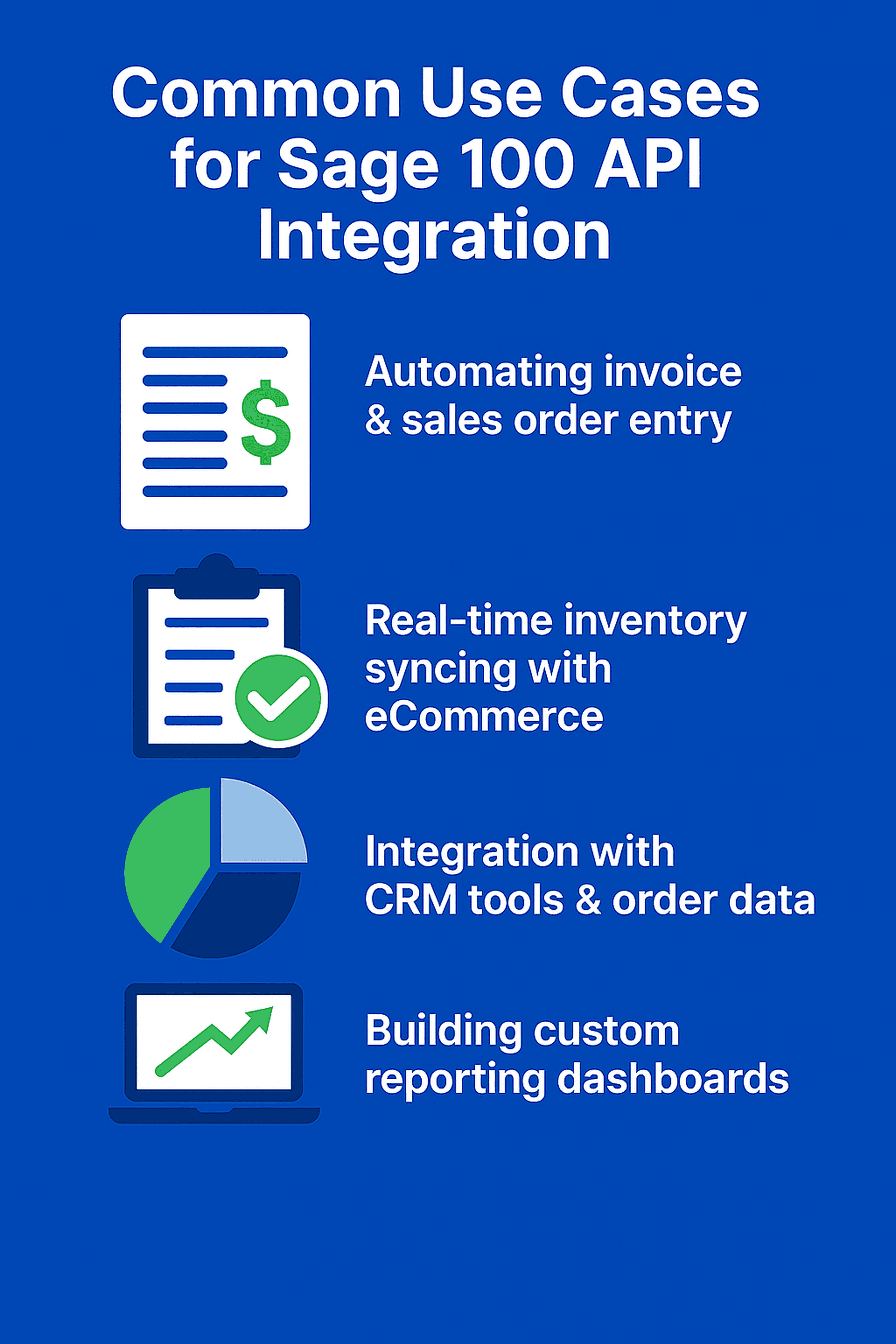
Common Use Cases for Sage 100 API Integration
Top use cases include:
- Automating invoice and sales order entry
- Real-time inventory data syncing with eCommerce platforms
- Integrating CRM tools with customer and order data
- Building custom reporting dashboards
- Automating EDI or 3PL workflows
Getting Started with Web-Stor’s REST API for Sage 100
Web-Stor’s REST API acts as a middleware layer to connect Sage 100 with external systems. It retrieves data from staging tables populated by Sage 100 business objects and supports POST requests to push data back via a queueable interface. Data is exchanged in JSON format, making it developer-friendly.
Steps to Begin:
1. Set Up a Sandbox
Use Web-Stor’s Swagger page to test endpoints, or create a test Web-Stor company to mimic your Sage 100 setup. This allows for safe experimentation.
2. Secure Authentication
Obtain a personal access token via the API from Kissinger Associates. Store it securely using environment variables or a secure vault.
3. Explore Documentation
The Swagger page provides partial documentation with endpoints like /invoices or /customers. Full documentation is currently under development.
4. Test Connectivity
Send a GET request (e.g., to /invoices) using the Swagger page or tools like Postman. Confirm a successful response in your sandbox to verify the setup.
This configuration enables automation of tasks like invoice creation and inventory syncing—tailored to your business needs.

Best Practices for Web-Stor API Integration
To ensure a reliable Web-Stor integration, follow these practices tailored to its REST API:
1. Security
Use TLS encryption for all API calls, and store tokens in secure vaults.
Implement role-based access control to restrict access to authorized users.
Rotate tokens regularly to maintain security best practices.
2. Performance
Optimize API queries—for example, use filters like ?date=2025-06-16 to reduce data loads.
Cache frequently accessed data locally to limit unnecessary API calls.
Monitor response times to detect and address performance bottlenecks.
3. Documentation
Refer to the Swagger page for currently available endpoint details.
Note: full documentation is still in development.
Maintain internal documentation to support your team and simplify troubleshooting.
4. Testing
Test all operations in the Swagger interface or against a test Web-Stor company before deploying to production.
Simulate edge cases—like rate limits or malformed JSON payloads—to ensure system resilience.
Automate your tests using tools like Postman for efficiency and consistency.
These practices help you get the most out of Web-Stor’s Laravel-based architecture, enabling secure and efficient integrations.
Leveraging Kissinger Associates for Enhanced ERP Solutions

Kissinger Associates offers unparalleled support and consultation for businesses looking to enhance their ERP systems. With a focus on personalized solutions, Kissinger Associates helps businesses optimize their workflows and achieve greater efficiency.
Tailored Support and Consultation
Kissinger Associates provides dedicated assistance from initial consultation to ongoing support, ensuring your ERP system evolves with your business. Their services include personalized guidance to troubleshoot issues, implement customizations, and ensure effective integration with other tools.
These tailored ERP solutions streamline operations and optimize workflows, select and match each client’s specific needs. By partnering with Kissinger Associates, businesses can achieve their operational goals more effectively.
Success Stories and Case Studies
Real-world examples highlight the impact of Kissinger Associates’ tailored solutions. For instance:
- TruBeauty Concepts saved over $40,000 annually through automated eCommerce workflows.
- The Fayman Group USA reported annual savings exceeding $50,000 from customized KPI reporting.
- DSG, Inc. also significantly reduced EDI costs, achieving over $100,000 in savings.
These success stories illustrate how tailored solutions from Kissinger Associates can lead to significant improvements in efficiency and cost savings. By adopting these best practices and innovative solution, businesses can enhance their operational efficiency and drive significant result.
Alternative Solutions to Sage 100 API
Before investing in a full API solution, consider what your business actually needs:
Reporting and Data Access Tools
- Solutions like DataSelf BI provide self-service web reports and dashboards
- Define the real requirements before investing: real-time access vs. scheduled reports vs. easier exports
- Tools like VisualCut might address the need with far less complexity or cost
Programming Language Options
Languages like JavaScript (Node.js), C#/.NET, Python, and VBScript are commonly used to interact with Sage 100 through ODBC or COM. The best choice depends on your preferred tech stack and the middleware used.
Best Practices for Sage 100 Integration
Ensuring Data Integrity and Security
- Store API credentials securely using environment variables or secure vaults
- Standardize data formats for dates and numbers to ensure consistency
- Implement encryption protocols like TLS for data transmission
- Regular audits of access control procedures help maintain security
Performance Optimization
- Regularly review performance metrics to make timely adjustments
- Efficient query management and reducing unnecessary data loads can boost performance
- Monitor and analyze system activities to identify bottlenecks
Documentation and Continuous Improvement
- Clear API documentation is vital for developers
- Use version control to track changes and manage updates effectively
- Implement a structured approach of planning, testing, and iterative improvements
How to get started with Sage 100 API:
If you're looking to add API functionality to your Sage 100 system:
- Define Your Requirements: Determine whether you need real-time access, scheduled reports, or automated exports
- Evaluate Solutions: Consider both simple reporting tools and full API solutions
- Test Safely: Use sandbox environments to experiment without impacting live data
- Partner with Experts: Work with experienced integration partners to ensure success
Summary
While Sage 100 doesn't have a built-in API, third-party solutions can effectively fill this gap. Whether you need simple automated reporting or full API functionality, understanding your specific requirements is the first step toward finding the right solution. Partnering with experienced providers like Kissinger Associates can help you achieve seamless integration and significant operational improvements.
Frequently Asked Questions about Sage 100 API
Does Sage 100 have a native REST API?
No. Sage 100 relies on ODBC and COM-based interfaces. However, solutions like Web-Stor provide a secure REST API layer to modernize and automate integrations with Sage 100.
What is Web-Stor’s Sage 100 API?
Web-Stor is a Laravel-based REST API that uses JSON for data exchange and Laravel Sanctum for authentication. It acts as a middleware between Sage 100 and external systems, enabling automation of tasks like invoice creation, inventory sync, and data reporting.
How can I connect Sage 100 to other business software systems?
You can use Web-Stor or similar middleware solutions to connect Sage 100 to CRM, eCommerce, EDI, shipping, or reporting platforms. RESTful endpoints allow flexible, scalable integrations with tools such as custom connectors, dashboards, or third-party apps.
Is Web-Stor secure?
Yes. Web-Stor uses TLS encryption for all API traffic and Laravel Sanctum personal access tokens for authentication. It's recommended to store tokens in a secure vault and implement role-based access control for added security.
How can I safely test Web-Stor’s API?
Use the built-in Swagger interface or a test Web-Stor company to safely experiment with API endpoints in a sandbox environment, separate from your live Sage 100 data.
What programming languages can I use with Web-Stor?
Any language that supports REST API calls and JSON—such as JavaScript (Node.js), Python, or C#—can integrate with Web-Stor.
What are common use cases for Web-Stor’s API?
Typical use cases include automating invoice creation and updates, syncing inventory with eCommerce platforms, integrating with CRMs, building custom dashboards, and managing EDI workflows.
Do I need to be a Sage developer to use Web-Stor?
No. While familiarity with APIs is helpful, Kissinger Associates offers support to guide you through setup, testing, and integration, making it accessible to both developers and business users.
Is there documentation available for Web-Stor’s API?
Yes. A Swagger page provides interactive documentation of available endpoints. Please contact us if you need more information.
How does Kissinger Associates support Web-Stor users?
They offer hands-on consultation, integration setup, performance tuning, and long-term optimization to ensure smooth and effective use of the API.
Do You Need to Be a Sage Developer to set up a Sage 100 API?
No, but working with a Sage-certified partner or experienced Sage developer can simplify access to documentation, support, and implementation guidance. Independent developers can still build integrations using available technical specs and community resources.



.svg)
.png)